
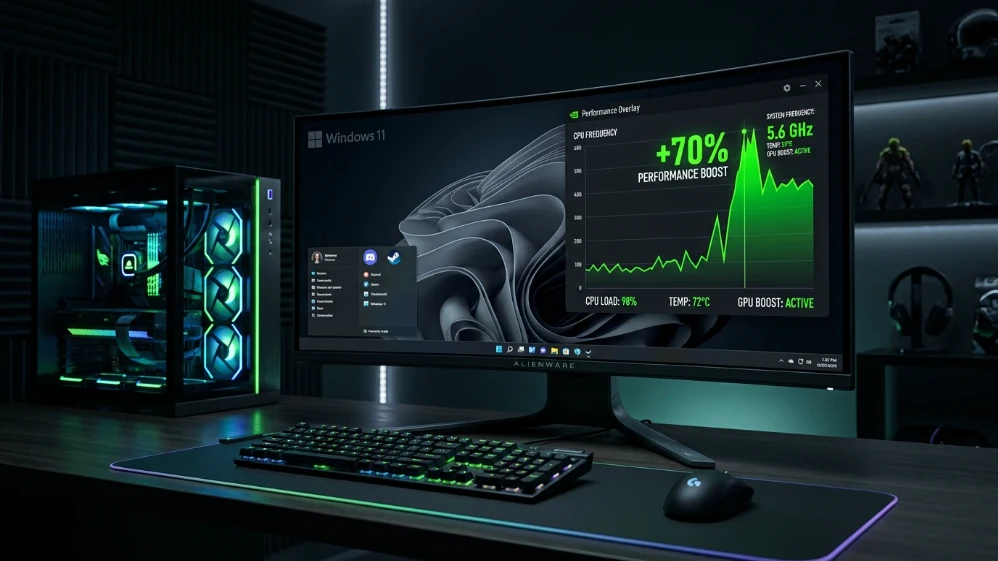








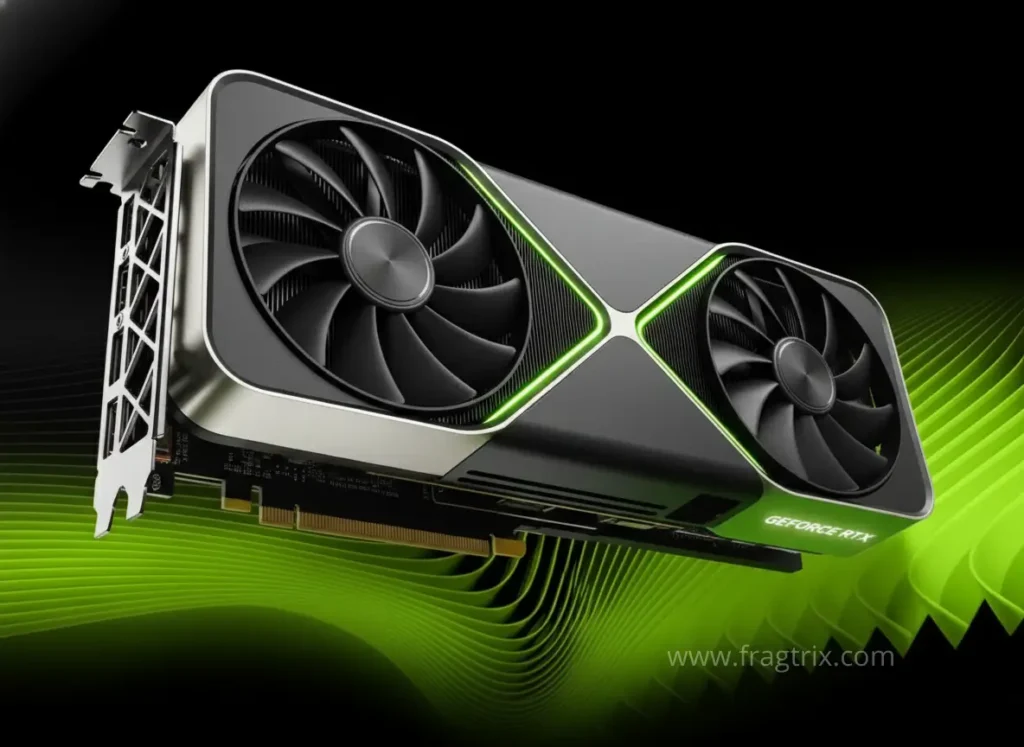







BUILT FOR VICTORY
Game-focused builds optimized for top performance in every title
Discover More
BOOST YOUR PERFORMANCE
Simple upgrade guides to boost FPS and eliminate bottlenecks
Discover More
CHOOSE SMARTER, PLAY BETTER
Straightforward hardware comparisons with real benchmarks
Discover More
YOUR PERFECT PC STARTS HERE
Clear, optimized PC builds for every budget and gaming style
Discover More
POWERING EVERY FRAME
Expert picks to help you choose the best CPUs, GPUs, and parts for smooth performance
Discover More

PC Gaming Hardware: Reviews, Benchmarks & Guides

Honest reviews, real benchmarks, and expert comparisons of the latest PC gaming components

Recent Stories

A 24-pin power cable plugged into a motherboard inside a dark PC case

When Your PSU Becomes the Problem – Signs You Need to Upgrade It

A 24-pin power cable plugged into a motherboard Your PC reboots in the middle of a match. No blue screen, ...
/
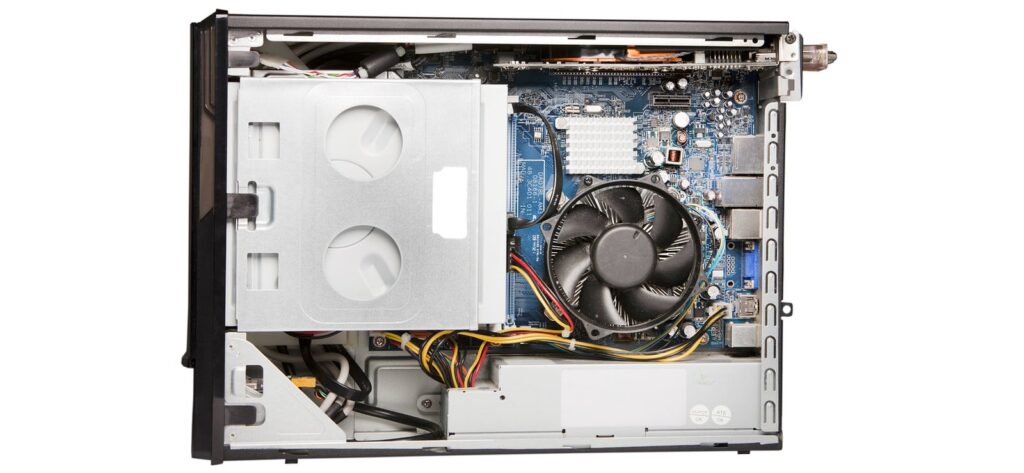
An opened branded desktop PC showing the motherboard and power supply

Can You Actually Upgrade a Prebuilt? Proprietary Parts and Hidden Limits

an opened branded desktop PC, with the motherboard and power supply in view it depends on the machine. prebuilts don’t ...
/
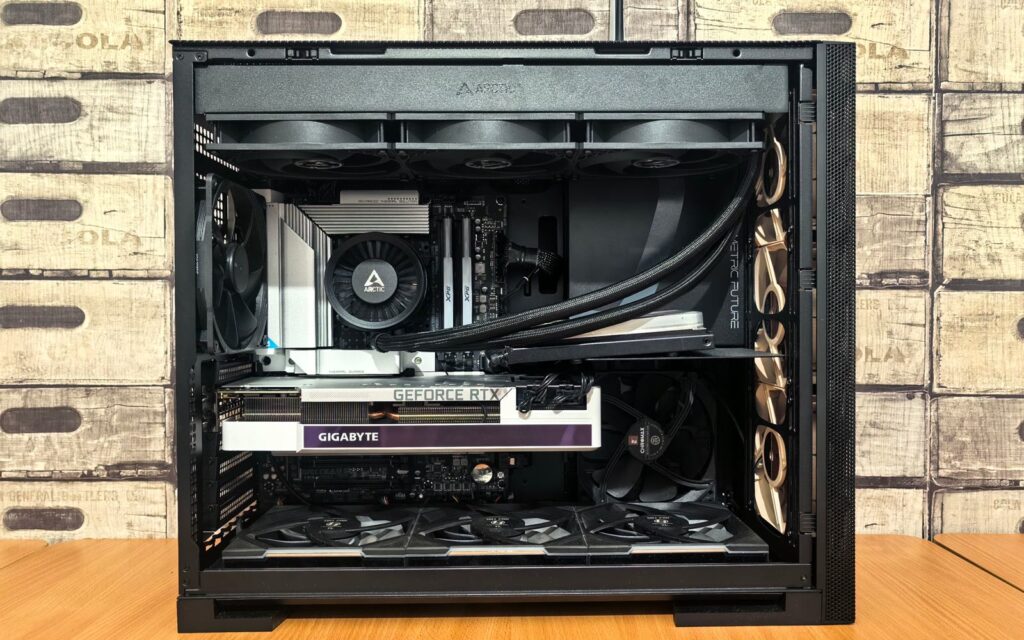
Inside a built gaming PC: a 360mm AIO radiator along the top of the case, the pump block on the CPU, a GeForce RTX graphics card below it and a row of fans across the bottom

Reusing Parts From Your Old PC: What to Keep and What to Replace

most of what sits in an old case can be judged part by part, before anything gets bought the usual ...
/
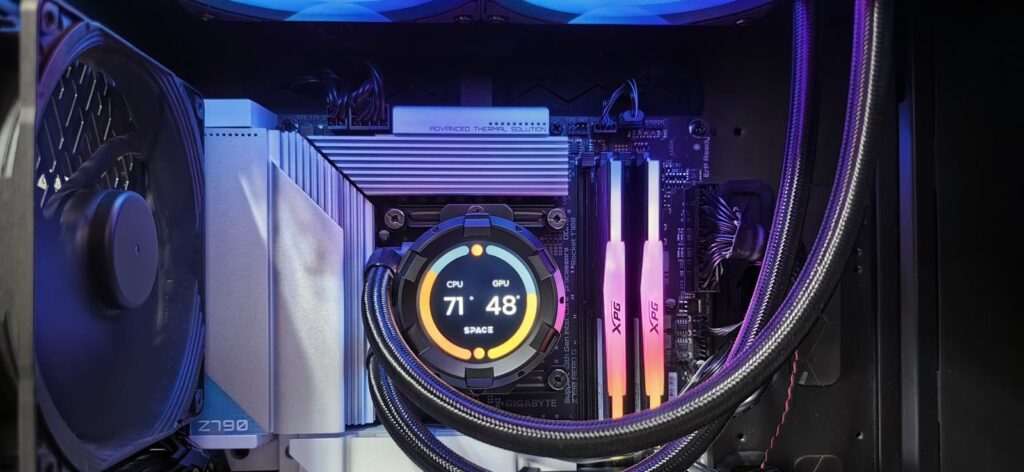
Inside a gaming PC: an AIO pump block with a round temperature display mounted on the CPU socket, braided tubes running to a top-mounted radiator, with the motherboard VRM heatsinks around the socket

Air Cooler vs AIO Liquid Cooling: Which One Your CPU Actually Needs

an AIO moves the heat to a radiator elsewhere in the case, which matters for what sits around the socket ...
/
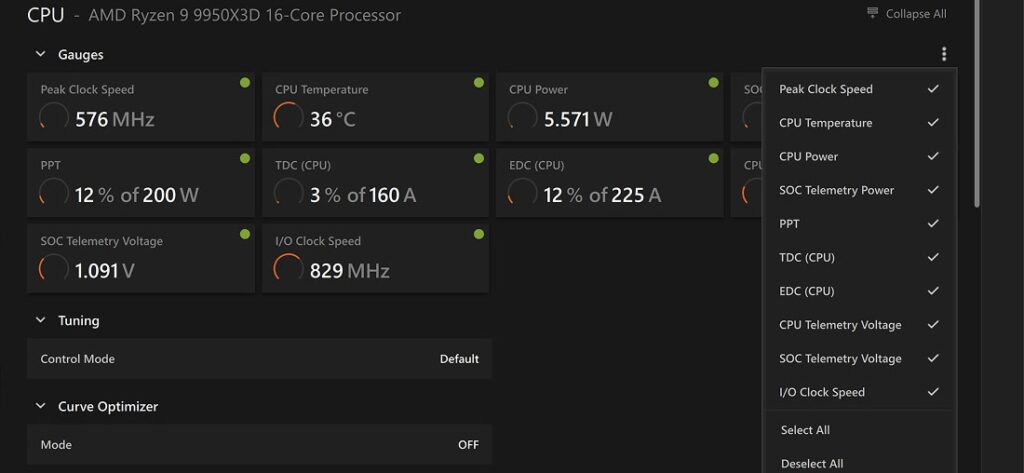
AMD Ryzen Master dashboard on a Ryzen 9 9950X3D showing CPU temperature, CPU power and telemetry voltage gauges, with the Curve Optimizer mode set to off below

How to Undervolt Your GPU and CPU: Lower Temps and Power With Little to No Performance Loss

the Ryzen Master dashboard: temperature, power and voltage readouts above the Curve Optimizer setting most guides on this treat undervolting ...

/
Close-up of a gaming laptop's blue backlit keyboard with the screen glowing behind it

Gaming Laptop vs Desktop PC – Which One Actually Makes Sense for You

the badge on the lid and the silicon underneath are not the same story two things decide this in 2026, ...
/
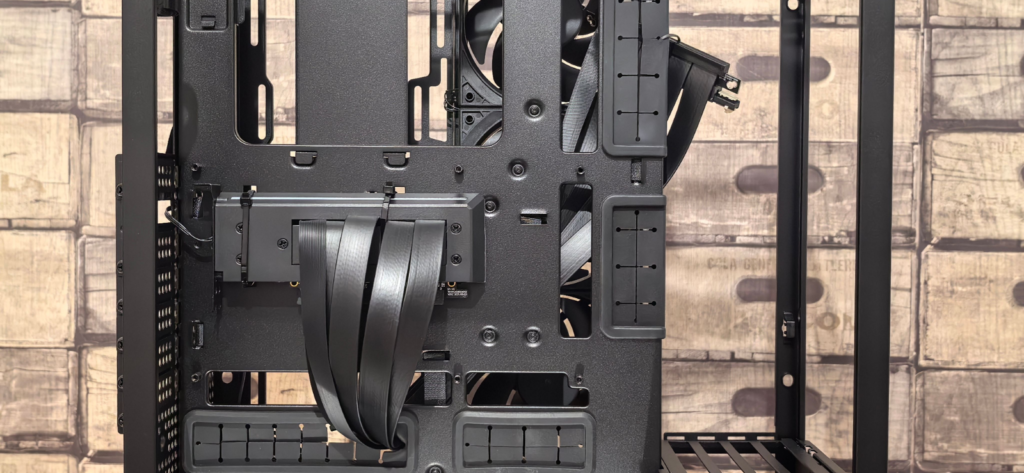
Interior of an empty PC case with cable routing channels, fan mounts and drive cages visible, ready for a build

Build Now, Upgrade Later: The Foundation-First PC Build Strategy

case, PSU and cooler outlive multiple builds: the parts worth spending on properly the standard advice goes like this. put ...
/
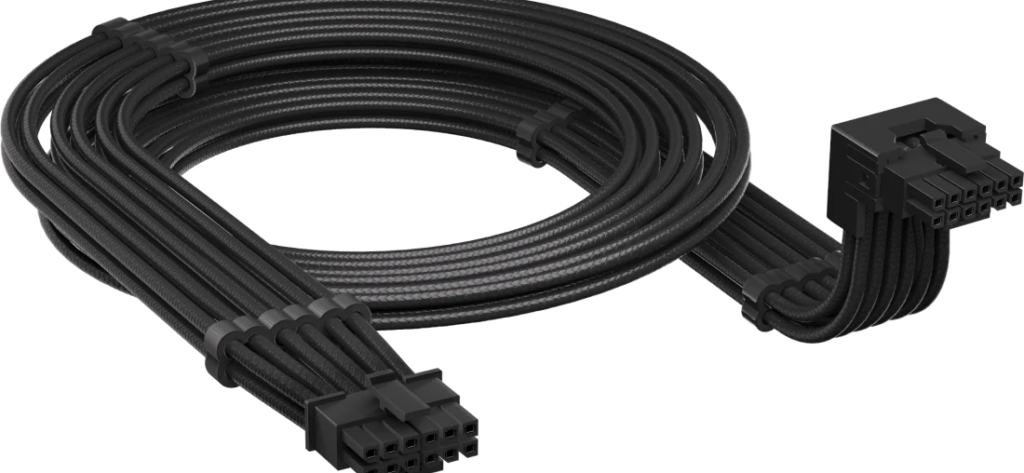
Corsair 12V-2x6 modular PSU cable coiled with its 12+4-pin connector head shown at a 90-degree angle

ATX 3.1 and the 12V-2×6 Connector – What Your Next PSU Actually Needs

the 12V-2x6 connector packs twelve power pins and four sideband signals into one 16-pin header almost every article about atx ...
/
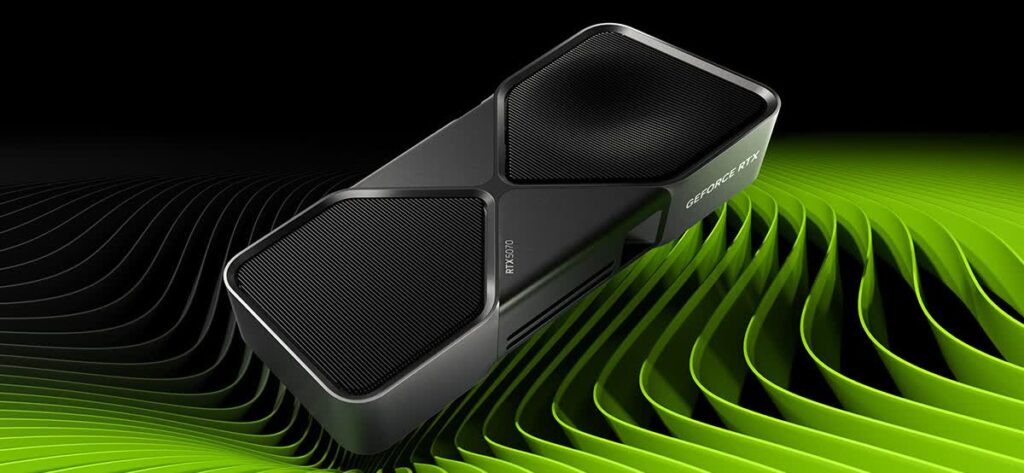
Nvidia GeForce RTX 5070 Founders Edition graphics card shown at an angle on a green background

Should You Upgrade Your GPU in 2026? – RTX 5070 vs RX 9070 XT Decision Guide

the rtx 5070 launched at $549 in march 2025. in august 2026 it sells for around $699 there is a ...
/

Explore our Component Reviews Budget PC Builds Prebuilt vs Custom Upgrades & Optimization Game-Specific Builds for gamers & PC builders

Scroll to Top